Plan the picnic
TaskChoose a time for the next step.
Action steps · 1 of 2 openConfirm a time with neighbors →Wed · 4:00 PM
+3Comment · 0

A LOOK AT DAILY SCROLL
Tasks, routines, appointments and everyday details—all with a place to return to.
Agenda brings your day together. Daily Scroll gives you room to revisit what needs attention, keep a useful update, or choose the next step.
A check-in with yourself.
Choose a time for the next step.
Three tasks to review, one step at a time.
Make room for a short session when it suits your day.
See what’s scheduled in Agenda or use Daily Scroll to consider what needs attention and choose a next step.
AGENDA
See scheduled tasks, action steps, routines, medication reminders and connected calendar events all in one place.
See Agenda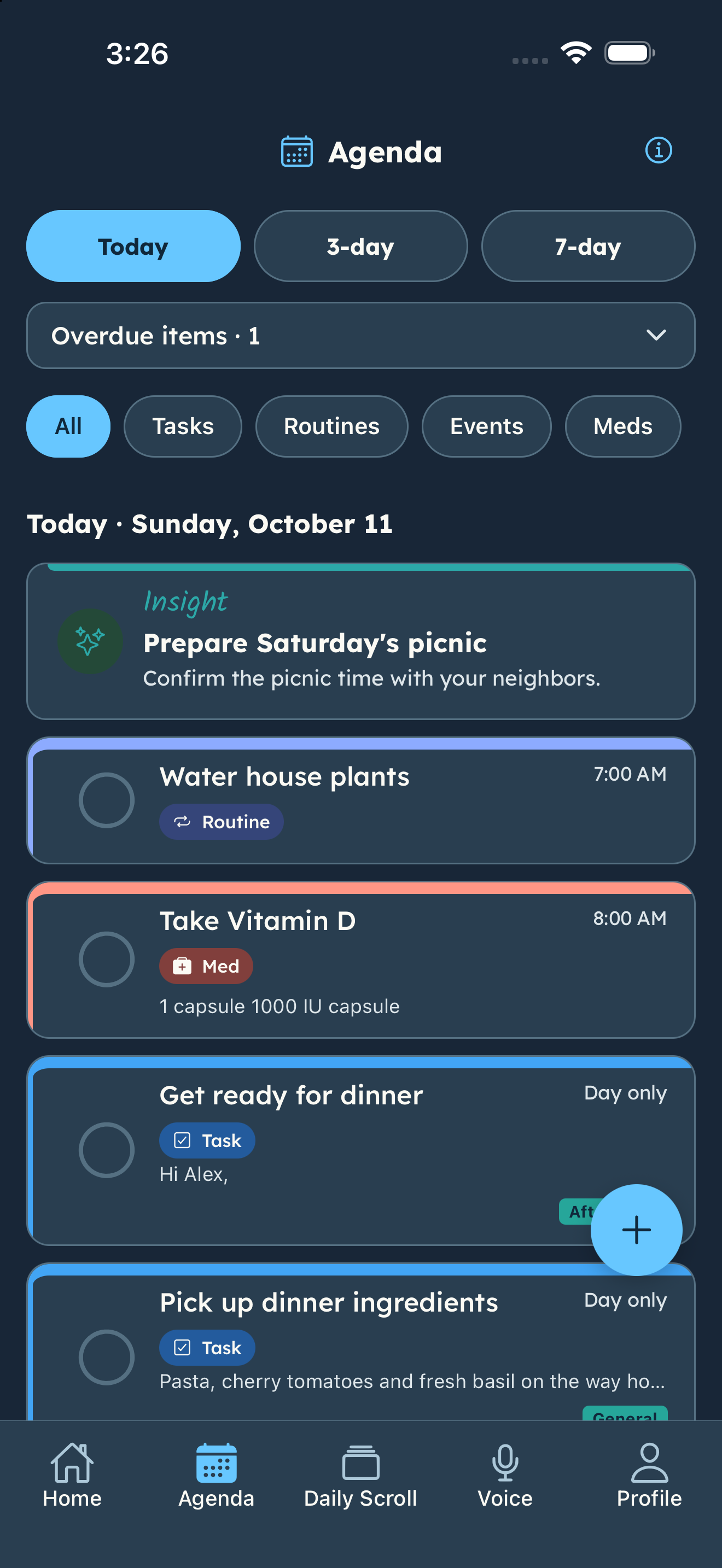
DAILY SCROLL
Revisit what needs attention, consider the next step, and keep useful comments with the things you’re working on.
See Daily Scroll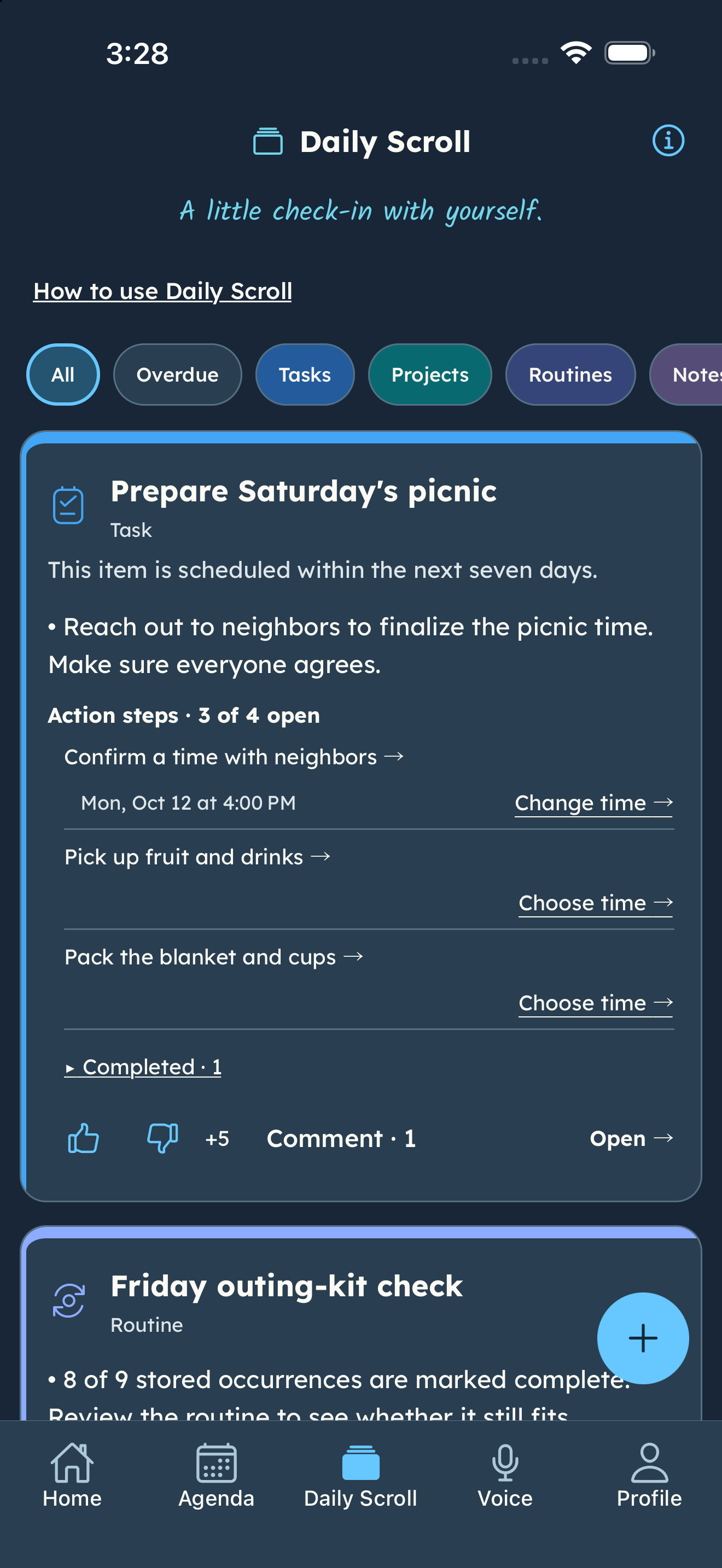
Choose a next step in Daily Scroll. Give it a time, and add it to your Agenda.
MORE OF YOUR LIFE, TOGETHER
The errands, ideas and routines of a day that’s yours. Keep the details together so you have somewhere to return to.
Keep to-dos, dates and action steps together.
For “Book a dentist appointment,” add steps to call the office and confirm a time. With Pro, you can also forward an email into a task and keep its follow-up steps with it.
Schedule the things that repeat throughout your week.
Set “Water the plants” for the days you need it. Check off each occurrence without setting the routine up again.
Keep related tasks and updates in one place.
For a weekend picnic, gather tasks for the guest list, food and location in one project. See what’s finished and choose what to do next.
Share a list and see what you need at each store.
Keep picnic snacks and drinks organized by store and category. Open Quick Shop to focus on what’s still needed. Pro also lets you share the list.
Save an idea or detail you want to come back to.
Keep a note that the contractor prefers weekday mornings. Find that detail again when you’re ready to arrange a visit.
Keep medication schedules and dose records together.
Add your medication schedule and log a dose when you take it. Return to the record to see which doses you’ve logged.
Set aside a timed block for one thing.
Set aside 15 minutes to sort the paperwork. Use the countdown for that one thing, and pause when you need to.
Take a pause, time your session and record your minutes.
Take ten minutes for a meditation session. Record your minutes, see progress toward your daily goal and look back at past sessions.
START WITH ONE LITTLE THING
Start with one task, routine or thing you want to remember.
Add the rest as you need it.